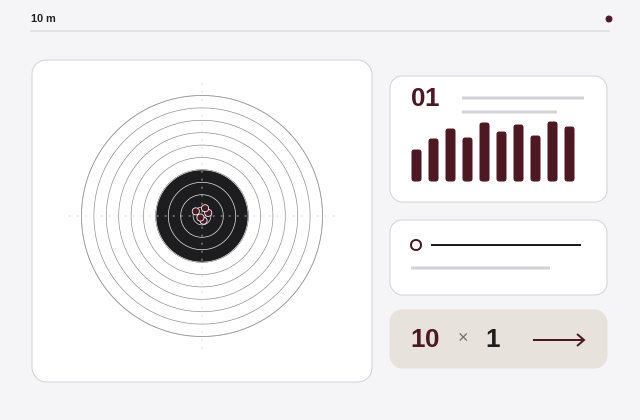
Aim trace and pellet impact are different signals
Separate aim movement, sound events and paper changes so your review compares the right measurements.
Key takeaways
- A visible laser position measures aim; a new pellet hole measures impact.
- Sound marks a registration event and must be checked against the intended shot.
- Compare records with the same source and review ambiguous events individually.
A camera can show several useful signals, but those signals answer different questions. The moving laser spot describes aim over time. A new hole records where a pellet reached the paper. A microphone event identifies a moment to inspect. Keeping these sources clear makes both the target plot and the later session review more informative.
What a laser trace can tell you
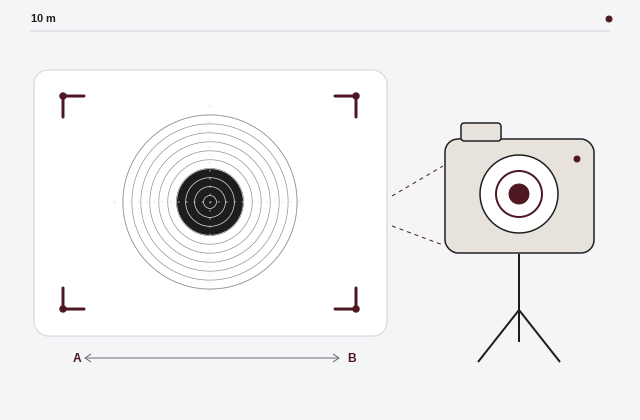
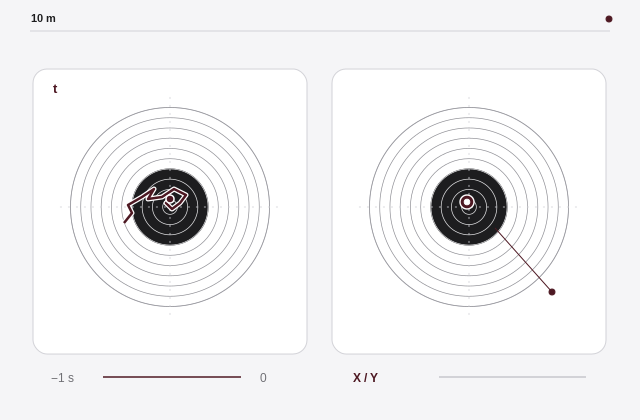
The app tracks a visible spot and can retain a selected window before registration. This lets you examine the recorded movement approaching that moment. Its interpretation depends on the spot’s visibility, the camera mapping, the laser’s physical alignment and the method used to register the event. A laser mounted away from the bore does not automatically predict the pellet’s position.
Inspect whether the tracked point remains on the actual spot throughout the movement. Reflections or another bright patch can cause confusing tracking. Check the selected colour and detector controls against the live preview, changing one control at a time. Increasing sensitivity until something registers is less useful than confirming what the tracker follows.
What physical-impact registration can tell you
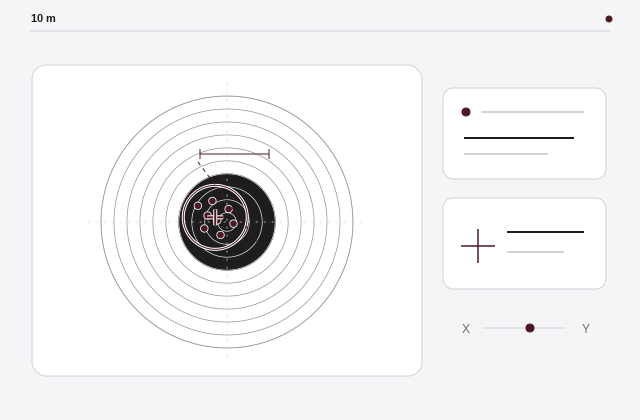
Impact detection compares the target image around a registration event for a new persistent change. Separate visible holes on a fresh target make the initial check easier. Overlapping holes, a moving sheet, changing shadows or a small blurry target image can leave the result uncertain. Inspect the paper and the camera frame when that happens rather than interpreting the uncertainty as a shooting error.
In hybrid mode, a detected physical impact supplies the impact position while a laser trace can provide aim context. An unresolved impact is kept for review; it is not silently turned into a laser-based pellet position. When manual impact confirmation is offered, select the visible new hole and preserve the fact that the position was confirmed manually.
Sound is an event gate
A sound threshold tells the app when to inspect the image or register the laser signal. It does not identify a pellet hole by itself. A nearby shot or another sharp sound may also cross the threshold. Select the intended microphone, watch its level and test registration under the conditions in which you will practise.
- Confirm that each intended shot creates one registration event.
- Check whether unrelated sounds create unwanted events.
- If one event registers twice, inspect the sound response and rearm setting.
- If an event is missed, check microphone permission and signal before changing target calibration.
- Review the result on the paper or visible laser spot before collecting a longer set.
Preserve the source when you compare
Keep the mode and setup in the session note. A laser-based group and a physical-impact group can be useful side by side, but a difference between their scores may reflect alignment or measurement rather than a change in shooting. Begin comparisons with records made using the same source, camera mapping and target arrangement.
Finish a detector check with a short description of what you observed: for example, three separate new holes matched three registered points, or a reflection was tracked instead of the laser. That is an actionable setup observation. A direction on the plot alone does not identify a particular grip or trigger fault.
Use recorded groups and traces in a measured session review
Take it to your next session.
Put one idea into practice, then use your saved shots and notes to see what changed.