

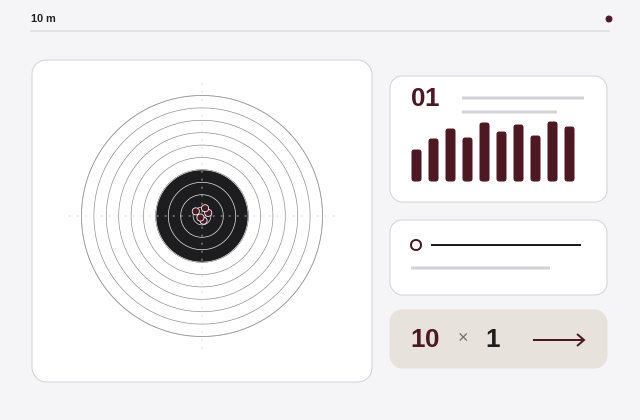
Your first session
Set up a readable target, register a short series and find your saved results without rushing the first run.
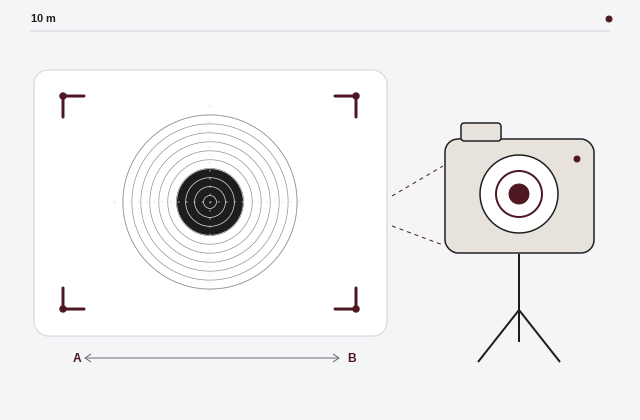
Camera & calibration
Build a stable image, select the correct 170 mm square and check the mapping after a change.
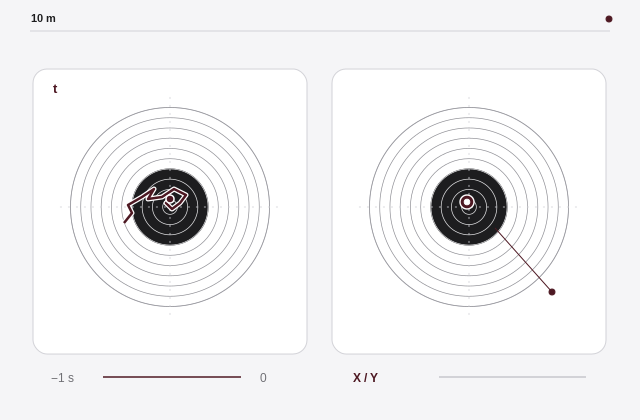
Aim trace vs impact
Separate aim movement, sound events and paper changes so your review compares the right measurements.
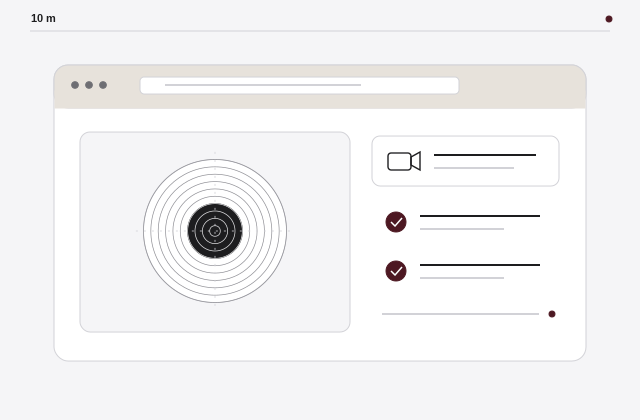
Browser troubleshooting
Find the failing step, restore camera or microphone access and protect pending session records.
Add 10metre to your device
News on your phone. Practice on your range screen. Add the 10metre web app through your browser; it opens on Today’s brief, with Practice always available.
Android · Chrome
- Open 10metre.com in Chrome.
- Open the ⋮ menu and look for Install and create shortcut, Install app or Add to home screen.
- Follow the browser’s instructions to add 10metre.
iPhone / iPad · Safari
- Open 10metre.com in Safari.
- Tap Share, then Add to Home Screen. You may need to scroll through the actions.
- If Open as Web App is offered, turn it on, then tap Add.
The available options depend on your browser and device. On a computer, use the browser’s install option if offered, or bookmark Practice for quick access.
Your practice, in focus
Open the electronic target, calibrate your setup, and save your shots to your own account.